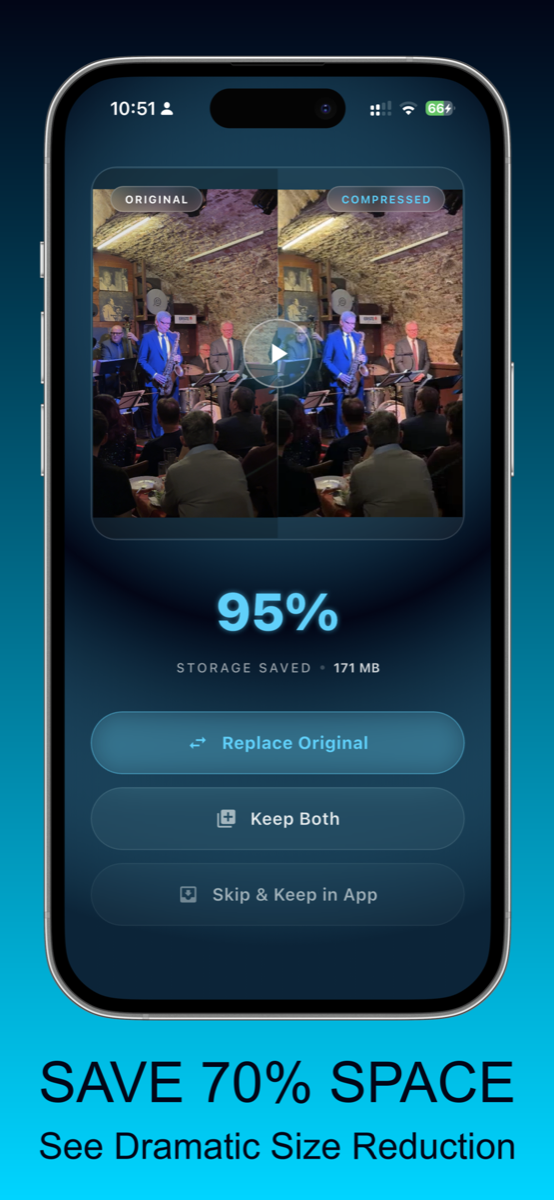
Save space with smaller videos
Compress large videos and reclaim iPhone storage while keeping clips easy to watch and share.

Compress videos privately on your device.
No uploads. No tracking. 100% offline.
VideoCompress is made for people searching for the best video compress app to reduce video size, save space, and compare quality before keeping the smaller file.
Compress large videos and reclaim iPhone storage while keeping clips easy to watch and share.
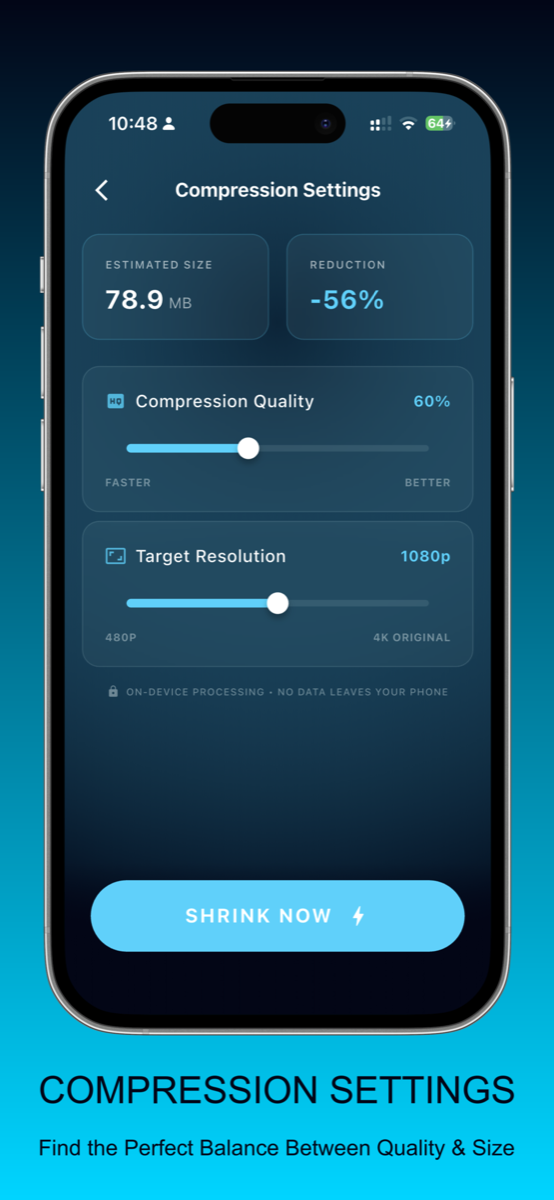
Use video resizer controls to choose the right balance between file size and visual quality.
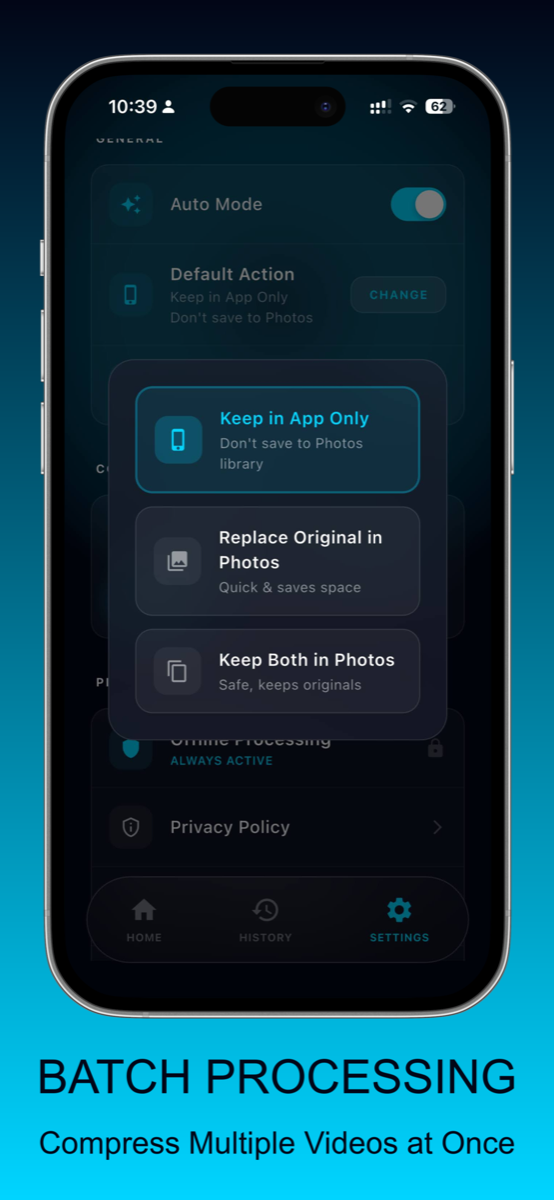
Compress multiple videos at once and choose whether to replace originals or keep both files.
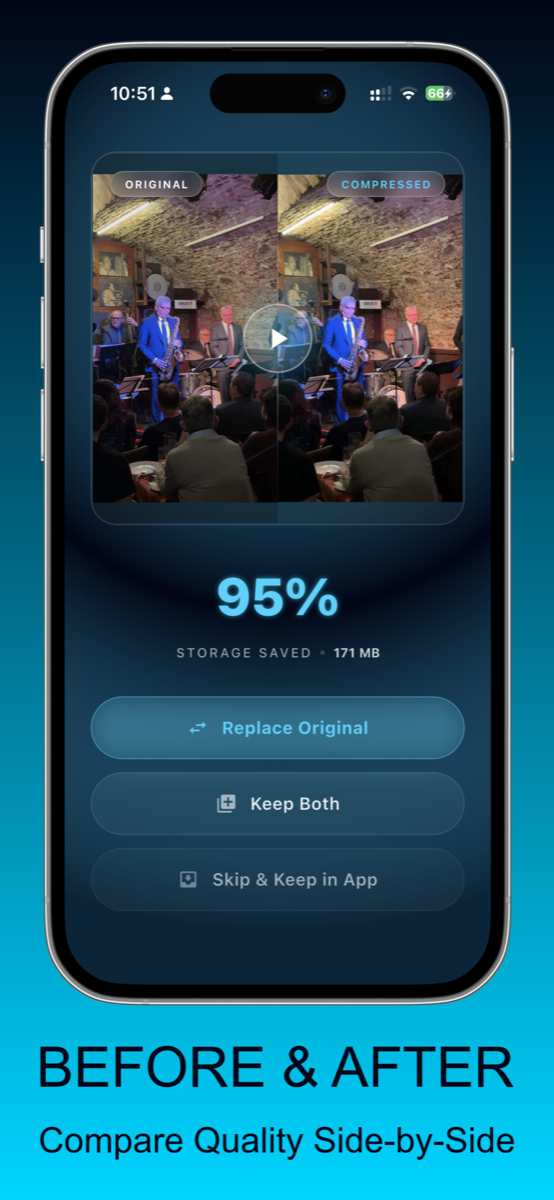
Compare original and compressed video quality side by side before saving the final result.
VideoCompress is built for people who want a simple video compressor, video resizer, and video compress tool without sending personal clips to a server.
Large iPhone videos can take gigabytes of space. VideoCompress helps you compress videos, reduce file size, and save space while keeping the original workflow simple: pick a video, choose a preset, and export a smaller version.
Use VideoCompress as a video resizer when a clip is too large for messages, cloud backups, or everyday sharing. The app focuses on practical video compress settings so you can balance quality, resolution, and file size.
A video zip file can be inconvenient when you still need to watch or share the clip. VideoCompress creates smaller playable videos instead of forcing you into a zip archive, making video compression useful for daily storage cleanup.
Some clips are worth keeping, but not at their original size. VideoCompress helps when a recording is too large to share, too big for a backup, or taking up more space than it should. You can shrink the file, lower the resolution when needed, and keep the result as a normal playable video.
Unlike online video converter or video zip tools, the app keeps the process on your iPhone. That makes it a practical choice for personal videos, travel clips, family moments, and any file you want to make smaller without uploading it somewhere first.
VideoCompress is primarily a video compressor and video resizer. It helps create smaller video files for storage and sharing, with compression presets designed around practical file size reduction.
No. The app is designed for private on-device video compression. Your videos are processed locally, which is useful when you want to compress videos without cloud uploads or online video converter websites.